Training contract
Solution
Turn Tools and Notes Into Usable Instructions
Translate CRM, dispatch, phone, inbox, spreadsheet, and ticket habits into simple steps agents can follow safely.
Direct answer
Tool-and-process translation turns how your team actually uses software and notes into instructions, examples, and checklists that outsourced support can follow.
When To Use This
A good fit when the issue is repeatable but still needs judgment and control.
Use this when your team works across CRMs, dispatch boards, inboxes, phone systems, spreadsheets, or ticket tools but the handoff steps are not written clearly.
Common signals
Client control
What stays under your approval?
Outcome
What should improve?
Agents learn the practical tool behavior behind the work, not just a generic support script.
Service mix
Services that can support this solution
The page defines the operating problem first. The service mix comes after the training, tools, approval, and QA rules are clear.
Back Office
Back-Office Follow-Up Support
Adds admin support when the solution depends on cleaner notes, scheduled follow-up, CRM hygiene, or records that stay reviewable.
Chat and Tickets
Chat and Ticket Support
Adds written support when the solution depends on inbox triage, ticket routing, documented replies, or tone control.
QA and Escalation
QA, Escalation, and Workflow Control
Adds the control layer: QA criteria, escalation timing, approval rules, correction loops, and AI use that managers can inspect.
Next step
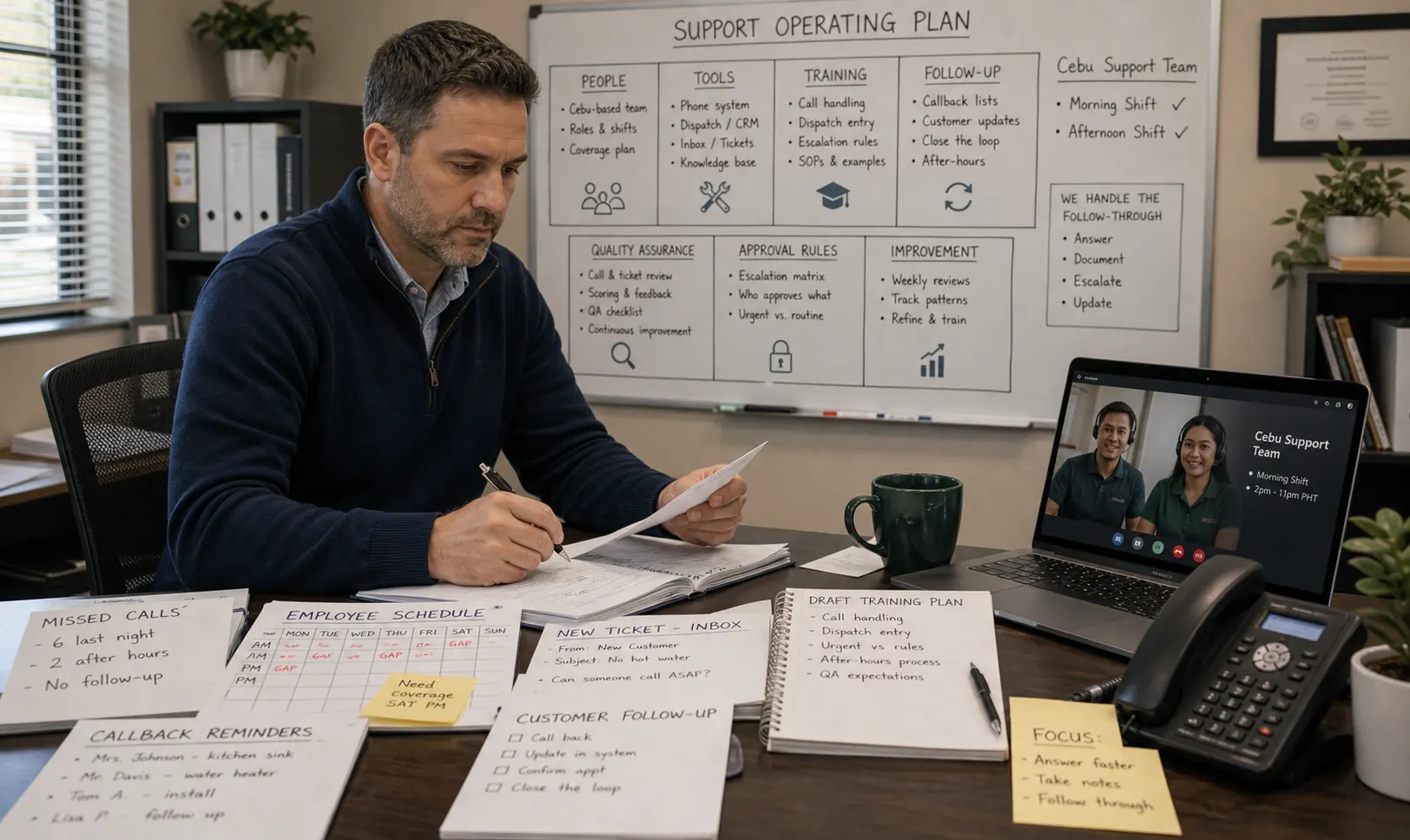
Turn this problem into a support operating plan.
Share the calls, tools, notes, and follow-up work that keep breaking. We can help define what gets trained, what stays under approval, and where Cebu-based support should start.